(3).png)
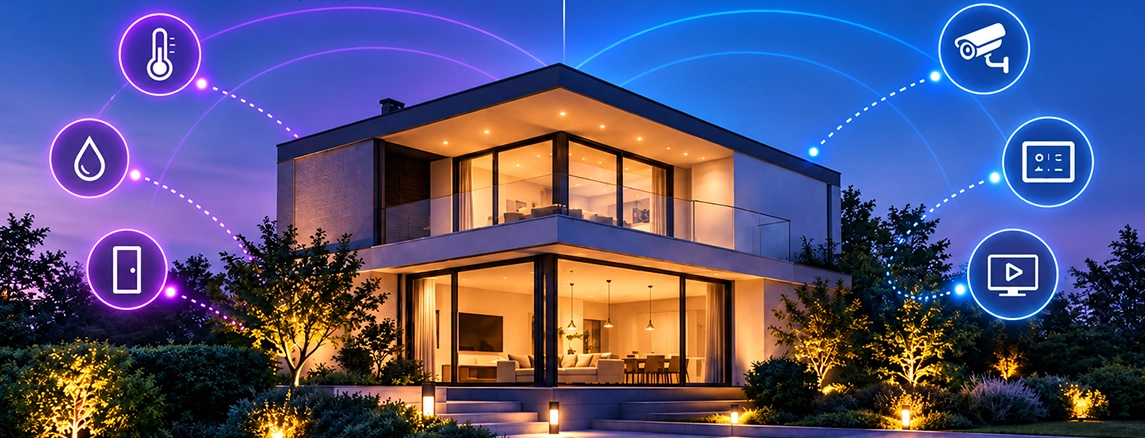
Smart Home Technology: Creating a Living Space That Responds to You
Imagine arriving home after a long day. The hallway lights turn on automatically, the indoor temperature is already comfortable, and your favorite music begins playing in the living room. You have not touched a single switch.
This is what smart home technology is designed to achieve: a living environment where connected devices work together to make everyday routines more convenient, efficient, and manageable.
A smart home is more than a collection of internet-connected gadgets. It is an integrated system combining lighting, climate control, security, entertainment, and other household functions through intelligent automation.
Understanding how these technologies communicate, what they can realistically accomplish, and how to select suitable equipment is essential before investing in a home automation system.
A Smart Home Is More Than a House Full of Connected Devices
Installing a smart bulb or a Wi-Fi socket does not necessarily create a fully integrated smart home.
The distinction lies in how devices communicate and respond to different conditions.
For example, a traditional connected light allows users to switch it on or off through a smartphone. An integrated smart lighting system can go further by responding to motion detection, daylight levels, occupancy schedules, or predefined automation scenarios.
A well-designed smart home system combines three fundamental capabilities:
- Monitoring: Sensors detect environmental conditions, movement, equipment status, or user activity.
- Control: Connected switches, controllers, and actuators manage electrical and mechanical devices.
- Automation: The system performs predefined actions based on sensor readings, schedules, or user preferences.
These functions create a more coordinated household environment.
The objective is not to eliminate manual control but to make technology operate naturally alongside everyday activities.
What Happens Behind the Scenes When a Smart Home Responds?
Smart home automation depends on communication between physical devices and the software responsible for managing them.
Consider a simple scenario involving a motion sensor and a lighting controller.
When someone enters a room, the sensor detects movement and transmits a signal through a compatible communication network. A controller evaluates the information and activates the appropriate lighting circuit according to its programmed rules.
The entire process may occur without any user interaction.
More advanced automation can combine several conditions simultaneously.
For example, lighting may activate only when occupancy is detected and natural light falls below a defined threshold.
Sensors: The Information Sources of a Connected Home
Smart sensors provide information that enables automated responses.
Common examples include:
- Motion and occupancy sensors
- Temperature and humidity sensors
- Door and window contact sensors
- Smoke and gas detectors
- Water leak sensors
- Ambient light sensors
Each type of sensor serves a specific purpose.
A door contact sensor can indicate whether a door is open, while a temperature sensor can provide information for heating and cooling control.
However, sensor data becomes valuable only when it supports a practical function.
Controllers: Where Information Becomes Action
Smart home controllers manage communication and execute control instructions.
Depending on the architecture, this role may be performed by a dedicated hub, an automation gateway, a local controller, or another compatible processing device.
For example, a controller can receive temperature information and issue commands to compatible heating equipment.
Local controllers can also allow selected automation functions to operate without continuous internet connectivity.
This is an important consideration for households seeking reliable operation during network interruptions.
Lighting That Adapts to Daily Life Instead of Fixed Switches
Lighting is one of the most practical starting points for home automation.
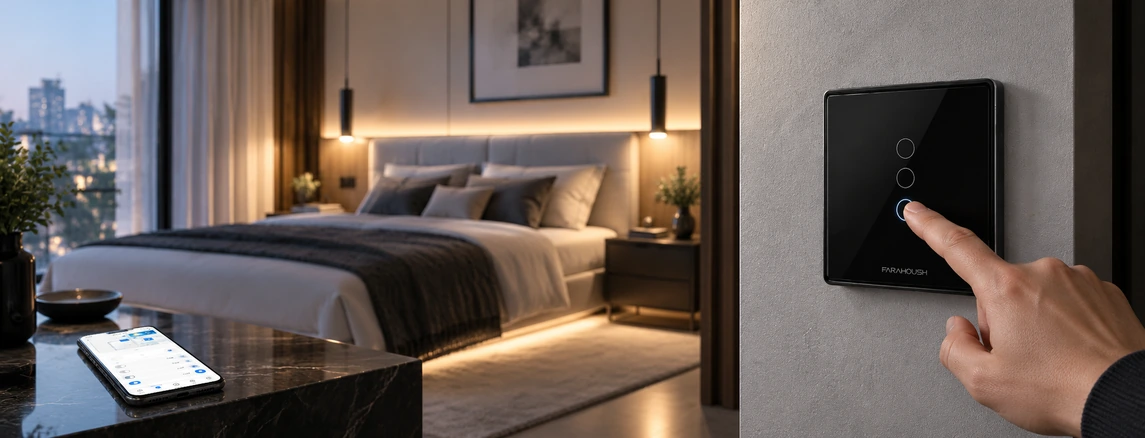
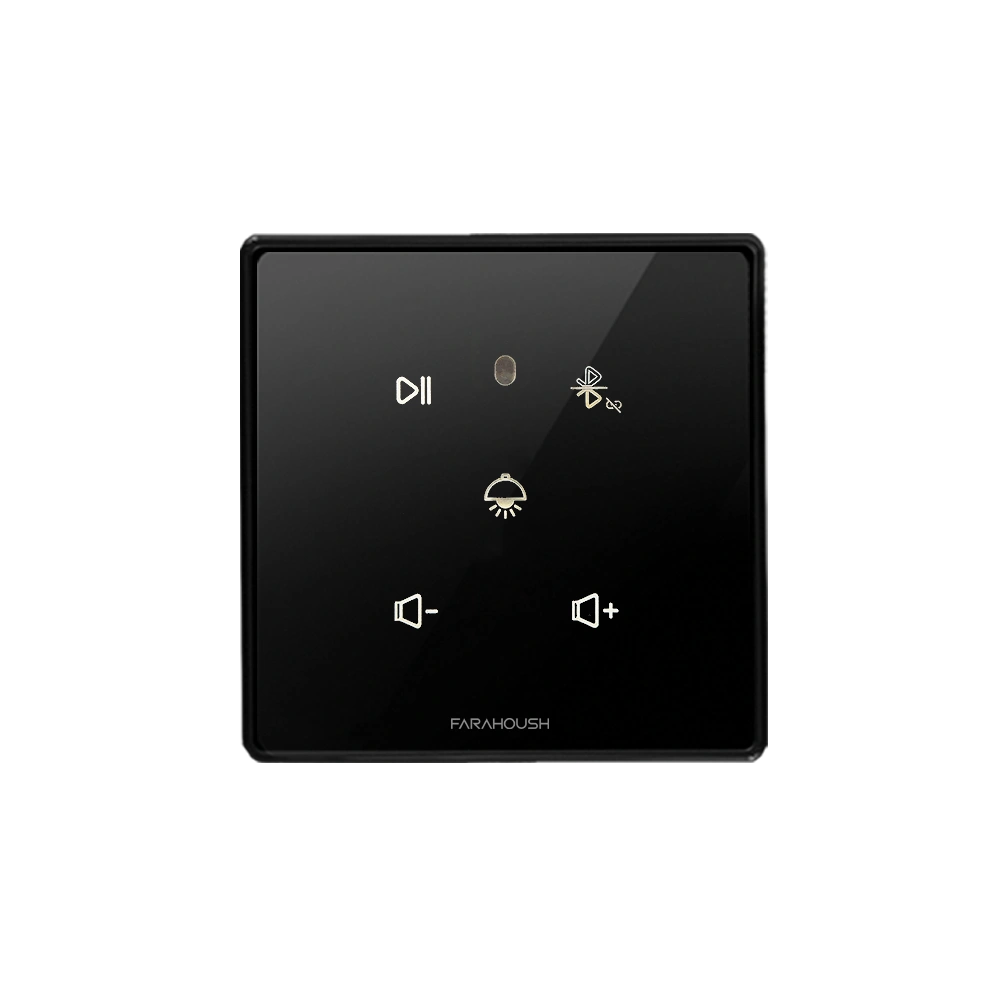
A smart lighting system allows users to control compatible lights through wall switches, mobile applications, automation schedules, or supported voice assistants.
Instead of switching every light individually, residents can control multiple lighting circuits together.
For example, a predefined evening scenario might dim living room lights, turn off unused hallway lighting, and activate decorative illumination.
Smart lighting also enables occupancy-based operation.
In suitable areas, such as corridors and storage rooms, occupancy sensors can reduce unnecessary lighting when spaces are empty.
Does Smart Lighting Actually Reduce Electricity Consumption?
Smart lighting can help reduce energy consumption, particularly when it prevents lights from operating unnecessarily.
However, the amount of energy saved depends on the type of lighting, usage habits, automation configuration, and existing equipment.
Replacing inefficient lamps with LEDs often provides a substantial efficiency improvement on its own.
Automation adds another level of control by reducing unnecessary operating time.
For meaningful energy improvements, the system should be designed around actual household behavior rather than arbitrary schedules.
Climate Control That Understands Occupancy and Comfort
Heating and cooling systems often account for a significant portion of residential energy consumption.
Smart climate control introduces more flexible management of compatible HVAC equipment.
Users may be able to monitor temperatures, adjust settings remotely, define operating schedules, and create different temperature conditions for individual zones.
Consider a household where bedrooms are used primarily at night and the living room is occupied during the evening.
A zoned climate control system can apply different schedules to these spaces, provided that the heating and cooling equipment supports independent regulation.
Temperature sensors and occupancy information can further improve control decisions.
However, automation should respect equipment operating requirements and avoid excessive switching or unsuitable temperature changes.
The best climate control strategy balances comfort, energy efficiency, and equipment reliability.
Smart Security Starts With Awareness, Not Just Cameras
Home security is another important area of smart home technology.
A connected security system may include smart locks, video doorbells, door sensors, motion detectors, cameras, and compatible alarm devices.
These components can provide notifications and allow residents to check certain aspects of their property remotely.
For example, a door sensor may report that an entrance has opened, while a camera can provide visual information about a monitored area.
Smart locks can offer alternative access methods such as PIN codes, compatible mobile credentials, or biometric authentication, depending on the product.
Why Device Integration Matters for Home Security
Independent security devices may offer useful individual functions, but integration can support coordinated responses.
A compatible security configuration might activate selected lighting when an intrusion alarm is triggered.
Similarly, a doorbell event could generate a mobile notification and display a compatible camera feed.
Such functions depend on the capabilities and interoperability of the equipment.
Smart security technologies should complement appropriate physical security measures rather than replace them.
Critical safety devices must also maintain their required independent safety functions and comply with applicable standards.
One Scenario, Multiple Actions: How Home Automation Changes Everyday Routines
One of the most distinctive features of an integrated smart home is scenario-based automation.
A scenario is a predefined sequence of commands that controls several devices through a single action or triggering event.
Instead of managing lighting, curtains, air conditioning, and entertainment systems separately, users can coordinate their behavior.
The Morning Scenario
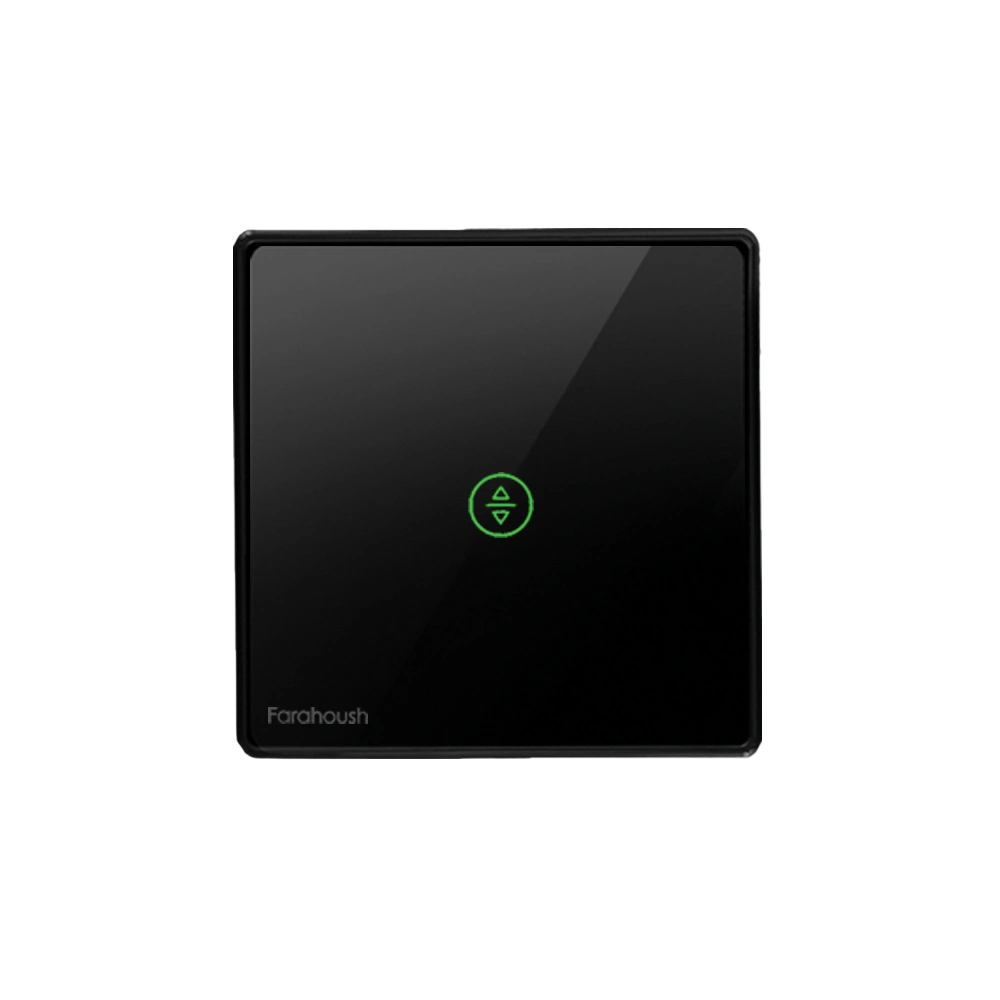
A morning routine could gradually increase compatible bedroom lighting, open motorized curtains, and adjust the room temperature.
The exact actions would depend on the equipment installed and the user's preferences.
The Away Scenario
When residents leave home, a predefined scenario can switch off selected lights, adjust compatible climate equipment, and activate certain security functions.
The system should avoid disconnecting essential appliances or safety-critical equipment.
The Movie Night Scenario
A movie night routine can dim selected lights, close motorized curtains, and activate compatible entertainment equipment.
This illustrates how different home systems can work together to create a particular atmosphere.
The Vacation Scenario
During extended absences, automation can manage selected lighting schedules, monitor connected sensors, and provide remote notifications.
However, automated lighting should not be considered a substitute for appropriate home security.
Choosing Between Wi-Fi, Zigbee, Thread, and Wired Automation
A smart home's communication infrastructure influences reliability, device compatibility, installation requirements, and long-term expansion.
Different connectivity technologies have different strengths.
| Main Consideration | Typical Use | Technology |
| Network capacity and power consumption | Connected switches, cameras, and appliances | Wi-Fi |
| Compatible coordinator or hub requirements | Sensors, lighting, and low-power devices | Zigbee |
| Border router and ecosystem compatibility | Low-power mesh-networked devices | Thread |
| Limited range depending on implementation | Short-range control and device setup | Bluetooth |
| Requires physical cabling | Fixed controllers and gateways | Ethernet |
| Engineering and installation requirements | Professional building automation | KNX |
| Device registers and implementation compatibility | Selected controllers and equipment integrations | Modbus |
Device registers and implementation compatibility
Wireless technology can be especially useful when retrofitting existing homes because it may reduce the need for new communication cabling.
Wired systems are often selected for installations where predictable connectivity, centralized engineering, and long-term maintainability are priorities.
Neither approach is universally superior.
The correct architecture depends on the property's size, construction stage, electrical infrastructure, expansion requirements, and budget.
Why Matter Is Relevant to Smart Home Compatibility
Matter is an interoperability standard intended to help compatible smart home products work across supported ecosystems.
It can reduce some compatibility barriers between manufacturers.
However, Matter support does not mean that every feature will work identically across all platforms.
Before purchasing a device, users should verify its supported functions, connectivity requirements, and compatibility with their chosen controller or application.
Can an Existing House Become Smart Without Major Renovation?
A common misconception is that home automation requires rebuilding a property's electrical infrastructure.
In many cases, existing homes can adopt selected smart home technologies with limited modifications.
Wireless sensors, compatible smart switches, controllers, and gateways can provide useful functionality without extensive structural changes.
However, installation conditions matter.
Some smart switches require a neutral conductor, while others have specific load and wiring requirements.
Smart relays must be selected according to the electrical characteristics of the connected circuit.
Professional installation is particularly important for mains-powered equipment, motorized curtains, HVAC interfaces, and access control systems.
The feasibility of retrofitting depends on the building's electrical infrastructure and the equipment selected.
A Smart Home Should Still Work When the Internet Goes Down
Remote access is convenient, but a household should not become completely dependent on cloud services for essential everyday operations.
Some smart home systems rely heavily on internet-connected servers, while others support local communication and automation.
With an appropriately designed local architecture, selected functions can remain operational during an internet outage.
For example, compatible wall switches, local controllers, and connected lighting devices may continue operating within the home network.
Cloud-dependent services, remote notifications, or external voice processing may become unavailable.
Before selecting equipment, homeowners should examine which functions operate locally and which require external connectivity.
Reliability should be treated as a system requirement rather than an optional feature.
Privacy and Cybersecurity Belong in the Design of Every Smart Home
Connected devices can collect information about household routines, occupancy, environmental conditions, and device usage.
Some products may also process audio, video, or access-related information.
For this reason, privacy and cybersecurity deserve attention during both product selection and system configuration.
Important precautions include:
- Choosing manufacturers with clear security update policies
- Using unique passwords for device accounts
- Enabling multi-factor authentication when available
- Keeping device firmware and applications updated
- Restricting unnecessary permissions
- Reviewing camera, microphone, and data retention settings
- Using a separate network for IoT devices where appropriate
- Disabling unused remote access features
Security requirements should extend beyond the mobile application to the complete system, including routers, gateways, controllers, and cloud accounts.
The goal is to make connected technology convenient without introducing unnecessary exposure to digital threats.
How Much Does It Cost to Build a Smart Home?
The cost of implementing a smart home varies considerably.
A basic installation involving selected lighting controls and sensors will have different requirements from a fully integrated property with climate control, security, motorized curtains, central audio, and advanced automation.
Several factors influence the final investment:
- Number and type of connected devices
- Wired or wireless system architecture
- Size and layout of the property
- Existing electrical infrastructure
- Integration between different manufacturers
- Installation and commissioning requirements
- Software, support, and maintenance costs
Rather than focusing exclusively on individual device prices, homeowners should consider total system cost.
A low-cost device may become expensive if it requires additional gateways, offers limited compatibility, or needs early replacement.
A scalable design allows users to begin with essential functions and expand their system as requirements change.
The Questions Worth Asking Before Choosing Smart Home Equipment
Choosing compatible products is more important than collecting the largest number of connected devices.
Before purchasing a smart home system, homeowners should consider the following questions:
- Can different devices communicate through the same platform? A centralized interface can simplify everyday management.
- Will essential functions remain available without internet access? Local functionality is important for reliability.
- Can the system be expanded later? Additional rooms and equipment should not require a complete system replacement.
- What happens when a device fails? Manual operation, replacement availability, and support procedures matter.
- Does the manufacturer provide software updates and technical support? Long-term maintenance affects security and usability.
- Is the system appropriate for the property's electrical infrastructure? Device compatibility must be verified before installation.
Answering these questions helps prevent fragmented systems that are difficult to manage.
The Difference Between a Connected Home and a Truly Intelligent One
A connected home allows residents to communicate with devices.
An intelligently automated home uses information and predefined logic to reduce the need for repeated manual actions.
This difference becomes clear in everyday situations.
A connected thermostat allows users to change the temperature remotely.
An integrated climate control system may adjust compatible equipment according to occupancy, scheduling, and environmental measurements.
A connected light can be switched on through an application.
An automated lighting system can coordinate multiple circuits in response to movement, daylight, or predefined scenarios.
The value of automation therefore comes from coordination rather than connectivity alone.
Smart home technology is most effective when different systems complement one another and occupants retain practical control over their environment.
Building a Home That Can Evolve With Its Residents
A smart home should be designed for the household that will use it, not simply around the features advertised by device manufacturers.
Good system design begins with everyday requirements: comfortable temperatures, practical lighting, secure access, manageable energy use, and simple control.
The technical architecture should support those requirements through compatible devices, reliable communication, and carefully configured automation.
As household needs change, the system should allow additional devices, updated scenarios, and new integrations without unnecessary complexity.
Ultimately, the value of a smart home is measured not by the number of screens, sensors, or connected switches it contains, but by how naturally technology supports daily life.
.webp)

.webp)
.png)

Comments(0)